Downloading Raw Data
Process
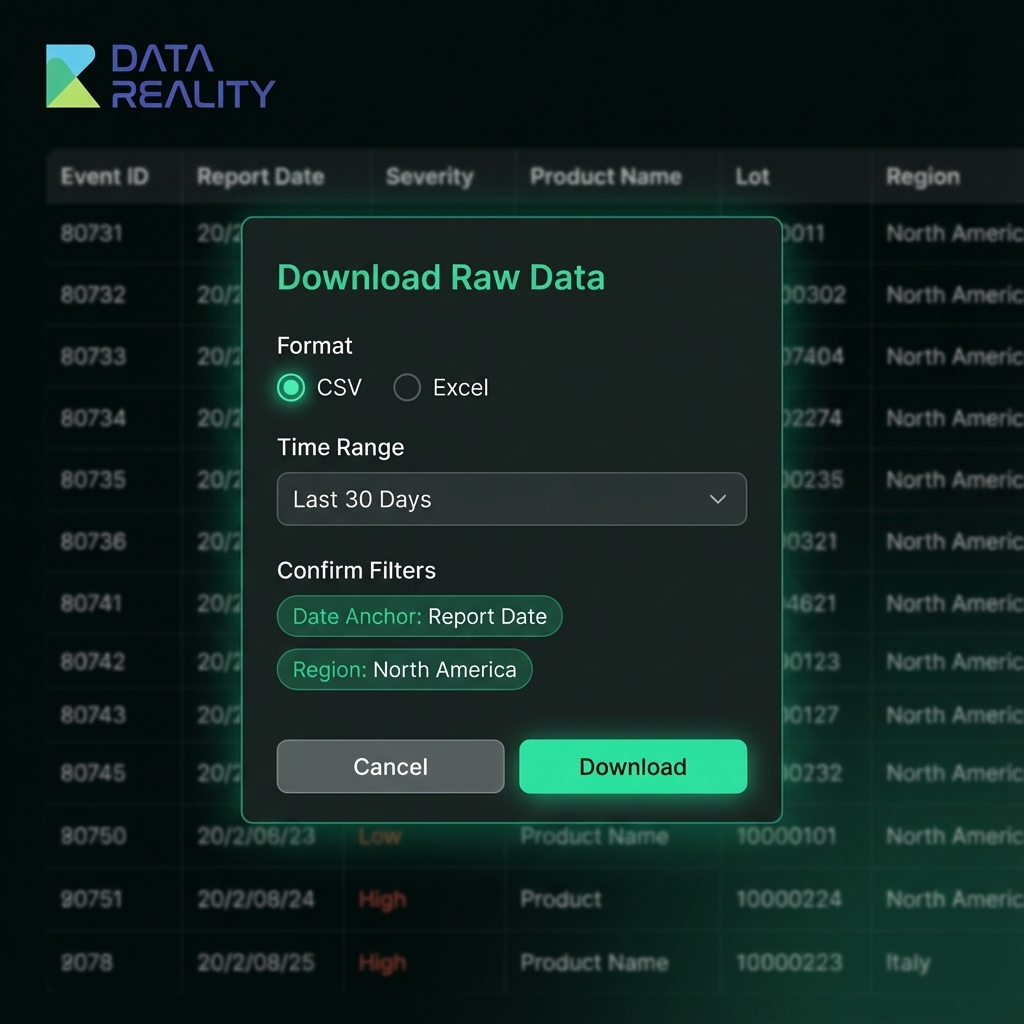
- Click "Download Raw Data" in the dashboard header.
- Choose format (CSV or Excel) and select the time range.
- Confirm filters (date anchor and region) before downloading.
Included fields
- Event ID, Report Date, Event Date, Severity, Category
- Product name, lot, model
- Region, source, and recall linkage