510(k)
Dashboard Overview
The 510(k) module streamlines the premarket notification process by helping manufacturers demonstrate substantial equivalence to a legally marketed device.
Getting Started
The submission process begins with properly identifying your device's regulatory classification.
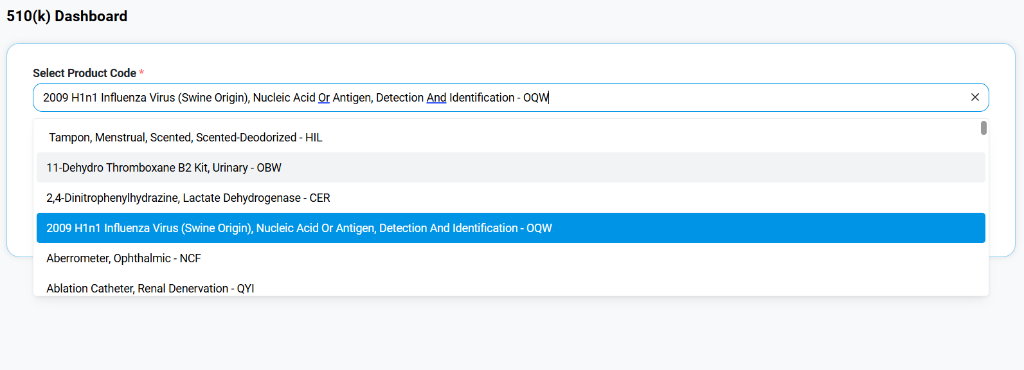
Select Product Code
The dashboard prompts you to define the device under review:
- Search & Select: Use the "Select Product Code" dropdown to find the specific FDA product code that matches your device (e.g., OQW - 2009 H1N1 Influenza Virus...).
- Classification: Selecting the correct code automatically retrieves associated regulation numbers, device classes, and submission requirements.